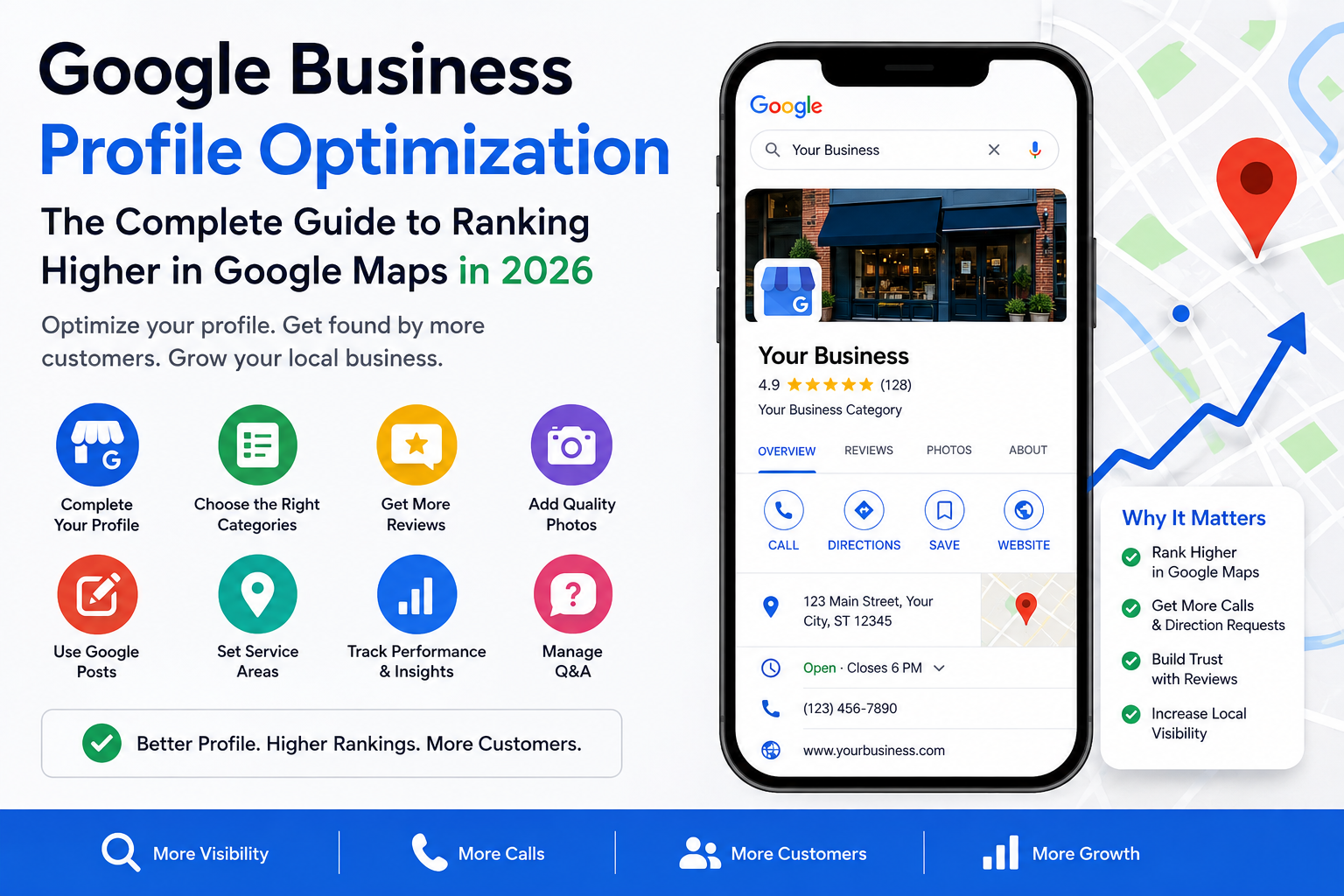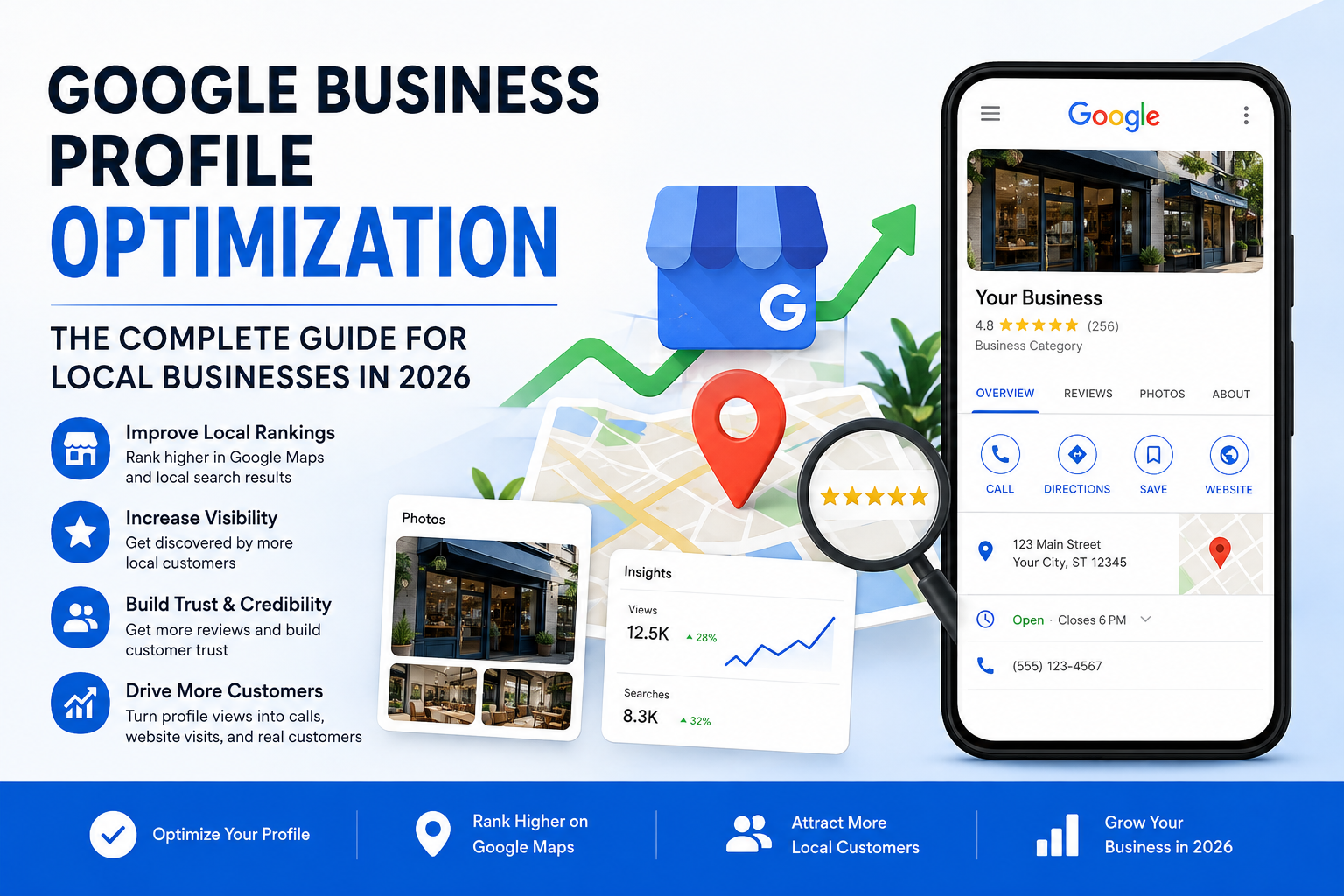
Google Business Profile Optimization: The Complete Guide for Local Businesses in 2026
If you've ever searched for a business "near me" and scrolled past the same three or four names every single time, you've seen Google Business Profile optimization in action. Those businesses aren't showing up by accident. Somewhere along the way, someone filled out their profile properly, kept it updated, and gave Google every reason to trust and recommend them.
Most local businesses don't do that. They claim their listing, add a phone number and a photo, and then forget it exists. That's usually the entire difference between a business that gets found on Google Maps and one that doesn't.
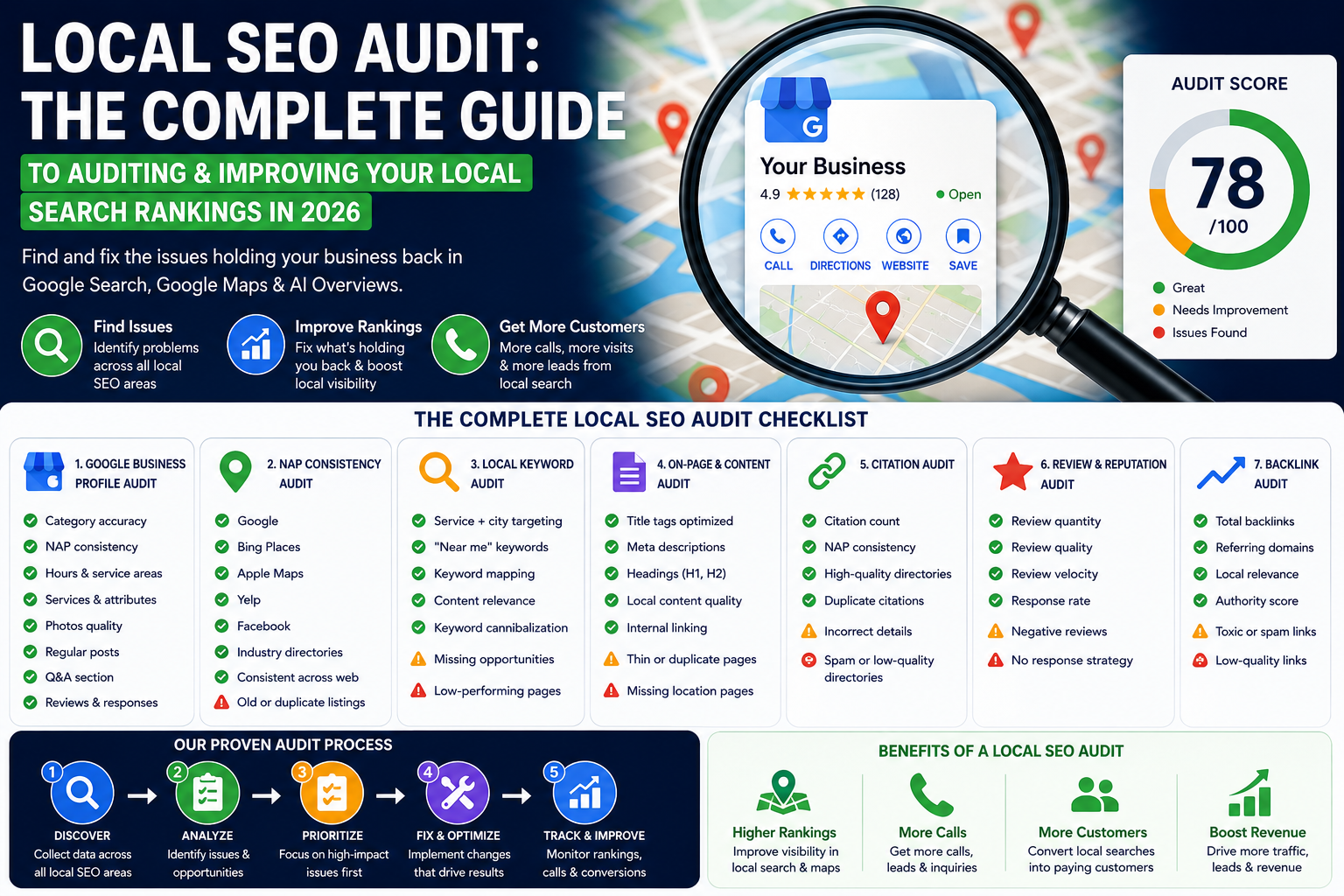
This guide walks through google business profile optimization from the ground up — how to optimize google business profile settings correctly, how to improve google business profile ranking over time, and how to avoid the mistakes that quietly bury a listing on page two of the local results. Whether you're setting up a profile for the first time or trying to figure out why your google business profile is not ranking despite years of history, you'll find the answer somewhere in this guide.
Why Google Business Profile Optimization Matters More in 2026
A lot has changed about how people search. AI Overviews, voice search, and answer engines have all reshaped what shows up on a results page. But one thing hasn't changed: when someone wants a business near them right now, Google Maps and the local pack are still where most decisions get made.
Google has been consistent about how it ranks these results. Local rankings come down to three things — relevance, distance, and prominence. Distance isn't something you can control. But relevance and prominence? Those are almost entirely in your hands, and they're built through the exact process of google business profile optimization we're about to walk through.
This is also why a full google business profile optimization guide matters more than a five-minute checklist. Ranking factors don't work in isolation. Your category choice affects relevance. Your reviews affect prominence. Your photos and posts affect engagement, which feeds back into both. Treat this as a connected system, not a list of boxes to check once and forget.
Step 1: Start With Setup, Verification, and the Basics
If you haven't claimed your profile yet, this is where everything begins. Knowing how to create a google business profile properly — and how to verify a business on google without running into delays — saves you weeks of frustration later.
Google offers a few verification methods depending on your business type: postcard by mail, phone, email, or instant verification for businesses already verified through Google Search Console. If you're setting up a google business profile for a small business for the first time, phone or email verification is usually fastest. Multi-location brands often need bulk verification, which requires a slightly different setup process through Google's Business Profile Manager.
Once verified, get the foundational details right before anything else:
- Business name — your real, legal, customer-facing name. Adding keywords or location names into the business name field ("Mike's Plumbing – Best Plumber Denver") is against Google's guidelines and one of the fastest ways to trigger a suspension.
- Address — must match your actual physical location. If you're a service area business without a storefront, you'll hide this and rely on service areas instead.
- Phone number — ideally a local number, and it needs to match exactly across your website, directories, and citations. This consistency is often called NAP — Name, Address, Phone — and it's one of the quieter but more important local SEO ranking factors.
- Website URL — don't default to your homepage out of habit. If you have a dedicated location page or service page, that's often the smarter link.
- Hours — keep regular hours current and don't forget special hours around holidays. A profile showing "open" when a customer shows up to a locked door does real damage to trust, and Google notices when hours are consistently wrong too.
Getting this section right is genuinely the least glamorous part of google business profile optimization, but it's the foundation everything else sits on. Skipping it is like painting a house before fixing the cracks in the walls.
Step 2: Choosing the Right Categories
If there's one section of your profile with an outsized impact on rankings, it's categories. This is where a lot of businesses either win or quietly sabotage themselves.
Your primary category should be the single most accurate description of what your business actually does — not the broadest category available, and not a category chosen because a competitor uses it. A company that installs roofs should choose "Roofing contractor," not "Contractor" or "Home improvement store." Google specifically recommends choosing a category that's as specific as possible while still being accurate, because vague categories dilute relevance rather than expanding it.
Secondary categories exist to capture legitimate additional services. A bakery might add "Caterer" if catering is a real offering. But this only works when the category genuinely applies — treating the category field as a place to stuff extra keywords for visibility is explicitly against Google's guidelines, and it's one of the more common reasons profiles get suspended or demoted.
A few practical notes on choosing the right primary category for your google business profile:
- Google allows you to add multiple categories, but only one primary category — choose it carefully, since it carries the most ranking weight.
- Review your categories every few months, especially after you add new services.
- If you're unsure between two close options, search Google for businesses like yours and see which category they've settled on. It's not a perfect method, but it's a useful sanity check.
Step 3: Write a Description That Sounds Like a Person Wrote It
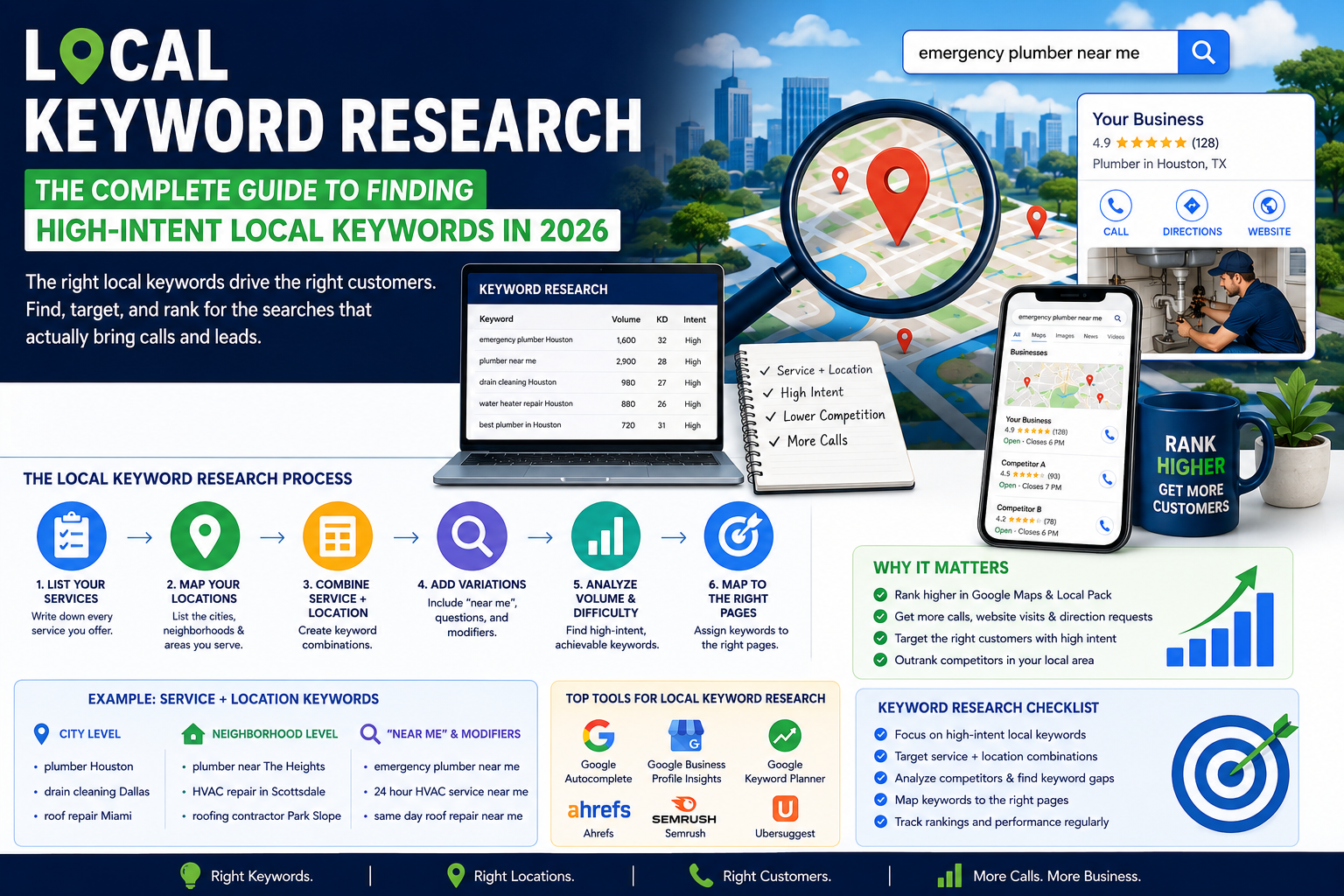
The business description field gives you a small amount of space to explain who you are, what you do, and who you serve. It's tempting to cram this with every keyword variation you can think of. Resist that urge.
Google's own guidance is clear that ranking rewards accurate, useful information — not keyword density. Write the description the way you'd explain your business to a new customer standing in front of you. Mention your core service and your city naturally, once or twice, and let the rest of the description actually say something useful: what makes you different, how long you've been operating, what customers can expect.
A description that reads like a keyword list doesn't just fail to help your ranking — it actively looks worse to the human being deciding whether to call you.
Step 4: Fill Out the Services Section Completely
This is one of the most overlooked sections on the entire profile, and also one of the most valuable. When someone searches for something specific — "emergency drain cleaning" or "same-day AC repair" — Google can surface that exact service directly from your profile, without the searcher ever visiting your website.
To get the most out of this section:
- List every service you actually offer, not just your top two or three. If you only list "Plumbing," you're leaving visibility on the table for every more specific search someone might run.
- Write a short, real description for each service instead of a single word. "Water heater installation" with a sentence explaining what's included tells Google — and the customer — far more than the phrase alone.
- Update this list as your offerings change. Services that no longer exist should come down; new ones should go up promptly.
- Keep this list consistent with what you advertise on your actual website. Mismatched information between your site and your profile quietly undermines relevance.
For service-area businesses in particular, a well-built services section often does more heavy lifting than people expect, because it's frequently the first thing Google matches against a specific, high-intent search.
Step 5: Set Your Service Area Correctly
If you're a service-area business — a plumber, an electrician, a mobile detailer, anything without walk-in customers — you have the option to hide your exact address and instead define the areas you serve. Some businesses run a hybrid model, serving walk-ins from a location while also traveling to customers.
The mistake we see most often here is businesses setting a service area far larger than they can realistically and reliably serve, hoping to capture more searches. Google has pushed back against this pattern, and profiles with unrealistically broad service areas can see relevance — and therefore ranking — suffer, rather than improve. Set your area to match where you can genuinely show up and do the work, and revisit it as your business actually grows.
Step 6: Build a Real Photo and Video Strategy
Profiles with fresh, high-quality photos consistently outperform profiles with a handful of stale images from years ago. Google recommends real, well-lit photos over stock imagery, and it shows — customers can tell the difference immediately, and so, it seems, can the algorithm surfacing these listings.
A solid photo strategy includes:
- A clear, properly sized logo and a cover photo that actually represents the business well.
- Interior and exterior shots so customers know what to expect when they arrive.
- Team photos — these build trust in a way that stock imagery never will.
- "In action" photos: finished projects, product shots, the work itself.
- Short videos where possible. Even a 15-second clip of your space or your team adds a level of credibility that photos alone can't match.
Add new photos on a regular cadence rather than all at once and then nothing for a year. A profile that looks actively maintained tends to perform better than one that looks frozen in time — both to customers and, it appears, to Google's own signals around freshness and engagement.
Step 7: Actively Manage Your Reviews
Reviews sit at the center of prominence, one of Google's three core local ranking factors — but their impact goes well beyond SEO. For most customers, reviews are the actual deciding factor between calling you or calling the business listed just above you.
A few things worth doing consistently:
- Ask satisfied customers for reviews as a normal part of your process, not as an occasional afterthought.
- Never offer discounts, gifts, or incentives in exchange for reviews — this is against Google's policies and can result in review removal or profile penalties.
- Respond to every review you get, good and bad. A calm, professional response to a negative review often builds more trust with future customers than ten five-star reviews with no reply at all.
- Pay attention to review velocity. A steady, ongoing stream of new reviews signals an active, trustworthy business far more than a big batch from three years ago and silence ever since.
If you're wondering how many google reviews you need for local SEO, there's no magic number — but consistency and recency tend to matter more than raw volume.
Step 8: Use Posts to Keep the Profile Active
Google Business Profile Posts let you share offers, updates, and announcements right on your listing. Their direct ranking impact is genuinely debated in the SEO community, but there's a simpler case for using them: they keep your profile looking active, and they give a potential customer one more reason to engage before they even reach your website. Treat posts as a low-effort, high-frequency habit rather than a big production.
Step 9: Monitor Performance and Adjust
Google's Performance section shows exactly how customers are finding and interacting with your profile — searches, views, calls, direction requests, and website clicks. Checking this monthly (not just when something feels off) helps you catch patterns early:
- Which search terms are actually driving calls, versus which ones just generate impressions
- Whether recent changes to your categories, services, or photos correlate with a shift in visibility
- Seasonal patterns worth planning marketing or staffing around
Pair this with tracking your actual google maps rankings for the searches that matter most to your business, so you're not relying on Google's dashboard alone.
Step 10: Avoid the Mistakes That Get Profiles Suspended or Buried
Most suspended or underperforming profiles trace back to a small, repeated list of mistakes:
- Keyword-stuffing the business name field
- Choosing categories that don't genuinely reflect the business
- Listing an address that doesn't correspond to a real, physical location
- Letting reviews go unanswered for months or years
- Leaving outdated hours, dead phone numbers, or discontinued services live on the profile
- Running duplicate listings for the same business, which actively confuses Google and splits your reviews, photos, and ranking signals across two weaker profiles instead of one strong one
If your profile has been suspended, the cause is almost always one of the items above. Reviewing your listing against this list is usually the fastest way to identify what triggered it and fix it before resubmitting for verification.
A Note for Multi-Location and Franchise Businesses
Everything above still applies at the individual location level — there's no shortcut around it. But managing multiple locations adds a layer of complexity worth planning for separately:
- Keep NAP consistency across every single location listing, not just your flagship one.
- Watch for duplicate or near-duplicate listings, which are especially common after a rebrand, a move, or an acquisition.
- Use bulk management tools to keep hours, photos, and services synchronized across locations without manually updating each one.
- Track performance and rankings per location rather than relying on an aggregate view — a strong overall average can easily hide two or three locations quietly underperforming.