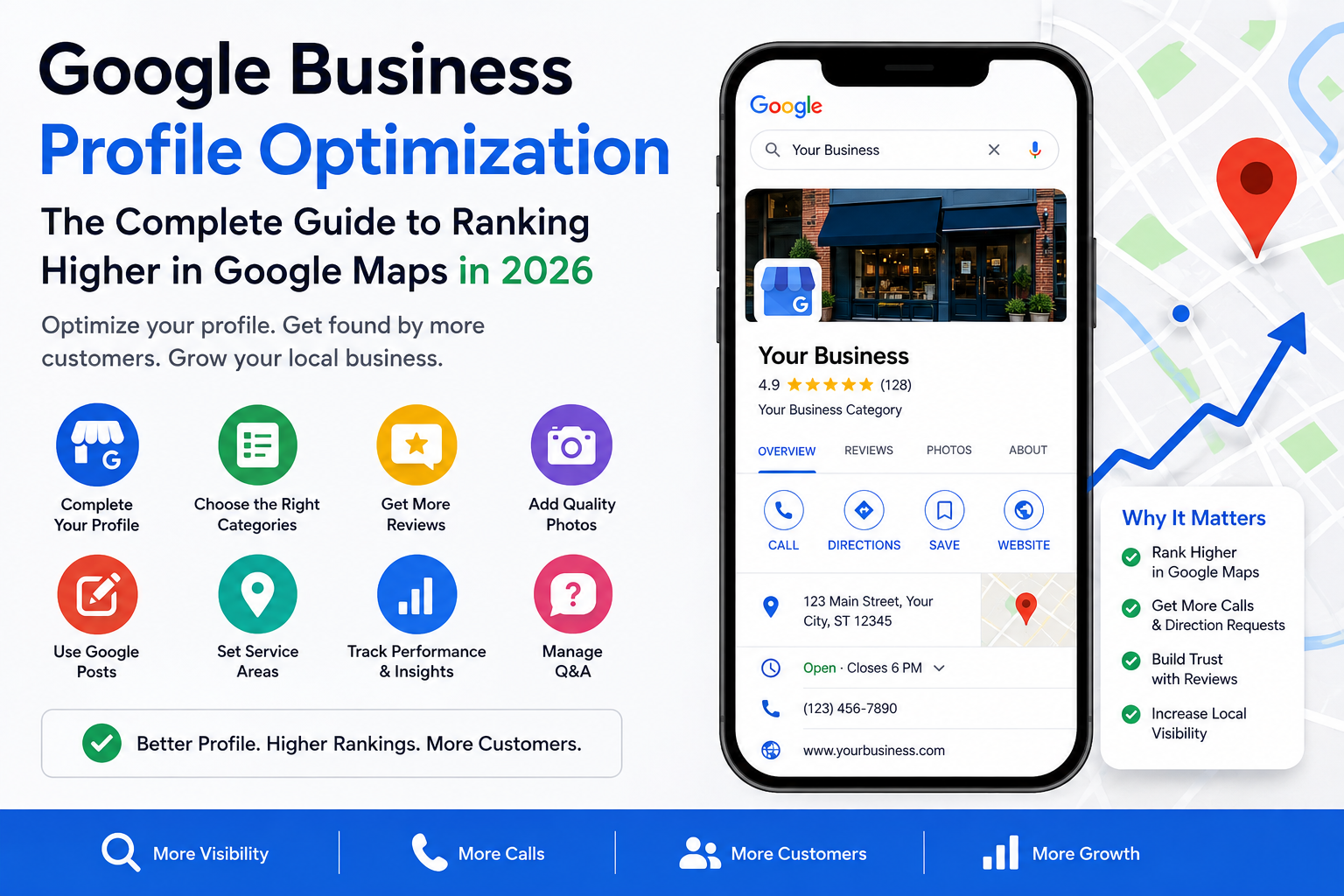
Google Business Profile Optimization: The Complete Guide to Ranking Higher in Google Maps in 2026
If you run a local business, few things move the needle faster than Google Business Profile optimization. It's the single biggest factor behind whether your business shows up when someone searches for what you do nearby — and whether that search turns into a phone call or goes to a competitor instead.
This guide walks through every step of Google Business Profile SEO, from choosing the right category to tracking your Google Maps ranking over time, so you have a complete, practical roadmap for 2026.
What Is Google Business Profile Optimization?
Google Business Profile optimization is the process of improving every piece of information Google uses to understand, rank, and display your business listing — your categories, business information, services, photos, reviews, posts, and more. Done well, it's what determines whether your listing appears in the Local Pack (the three businesses shown with a map at the top of local search results) or gets buried below competitors who've done the work.
Unlike traditional website SEO, Google Business Profile SEO doesn't depend on backlinks or blog content. It depends almost entirely on how completely and accurately you fill out your profile, and how actively you maintain it after the initial setup.
Why Google Business Profile Matters for Local SEO
Roughly 76% of people who search for a local business on their phone visit one within a day, and for most of those searches, your Google Business Profile — not your website — is the deciding factor. It's the first thing Google shows for local intent, and often the only thing a searcher interacts with before calling.
This is why local SEO Google Business Profile work has become foundational rather than optional. A polished website with a neglected profile will still lose visibility to a competitor with a mediocre website but an actively optimized, well-managed Google Business Profile. Your GBP is effectively your new homepage for local search.
Step 1: Choose the Right Primary Business Category
Your primary category is one of the highest-leverage decisions in Google Business Profile ranking. It determines the core pool of searches your listing is even eligible to appear in.
Choose the most specific category available — "HVAC Contractor" instead of the generic "Contractor," or "Family Dentist" instead of "Medical Office." A category that's too broad dilutes your relevance for the exact searches your customers are actually running, while a category that's too narrow or inaccurate can limit your visibility just as much. Getting this one field right is often the single fastest way to improve Google Maps ranking without touching anything else.
Step 2: Add Relevant Secondary Categories
Once your primary category is set, secondary categories expand your eligibility further. A plumber might add "Emergency Plumber," "Drain Cleaning Service," and "Water Heater Installation" — each one opening up a different set of searches your listing can now appear in.
The mistake most businesses make here is either leaving this section empty or adding categories that aren't genuinely relevant. Google's systems reward accuracy, not volume — every secondary category should reflect a real, meaningful part of what you actually offer, since irrelevant categories can dilute your overall category relevance rather than strengthening it.
Step 3: Optimize Your Business Information
Every field in your profile — business name, address, phone number, website URL, and hours — needs to be complete, accurate, and consistent with how it appears everywhere else online. This is the unglamorous but foundational layer beneath every other optimization step, and skipping it undermines everything built on top of it.
Special attention should go to your business hours, including holiday and special hours, which many businesses forget to update. An incorrect hours listing damages trust immediately — both for the customer standing outside a closed door and for Google's confidence in your listing's accuracy.
Step 4: Set Up Your Services Correctly
The services section is where Google Business Profile optimization gets genuinely granular. Rather than a short, generic list, build out specific services with real descriptions — this is what Google uses to match your profile to long-tail, high-intent searches that a category alone can't capture.
A sparse or missing services list is one of the most common gaps in an otherwise complete profile, and it has a direct cost: you're simply invisible for the specific searches — "tankless water heater installation," "same-day AC repair" — that are often the closest to converting.
Step 5: Write an Optimized Business Description
Your business description is one of the few free-text fields where you control the narrative directly. Write it clearly and naturally, describing what you do, who you serve, and where — without keyword stuffing, since Google's systems reward genuine clarity over repetition, and an over-optimized description can actually read as spammy to both algorithms and real customers.
This is also where you can briefly reinforce what makes your business different, since this text sometimes appears directly in search results and can influence whether someone clicks through or calls.
Step 6: Add High-Quality Business Photos
Listings with a strong, varied set of photos consistently receive more direction requests and calls than listings with only a few generic images. A complete photo strategy includes your cover photo and logo, exterior and interior shots, team photos, and photos of your actual completed work or products — not just stock imagery.
Photos should be updated regularly, not just uploaded once at setup. Fresh, recent photos signal an actively managed profile, which directly supports your broader Google Business Profile management strategy and your standing in Google's trust signals over time.
Step 7: Build and Manage Google Reviews
Reviews are one of the strongest ranking and trust signals in local search. A business with a large, steadily growing volume of recent reviews will typically outperform a competitor with fewer, older reviews — even at a similar average rating.
Effective review management means a consistent, systematic process for requesting reviews from satisfied customers, combined with thoughtful responses to every review that comes in, positive or negative. Ignoring reviews — especially negative ones — reads as a lack of engagement to both potential customers and to Google's systems.
Step 8: Use Google Business Profile Posts
Google Posts let you publish updates, offers, and announcements directly to your listing, and they're one of the clearest signals of an actively managed profile. A profile that posted once at launch and never again looks abandoned; one that posts regularly looks alive.
Posts should reflect real activity — a genuine promotion, a completed project, a seasonal service reminder — rather than generic filler content. This is a small but meaningful part of ongoing Google Business Profile optimization services, and it's one of the easiest wins to maintain consistently once a rhythm is established.
Step 9: Optimize Google Business Profile for Service Areas
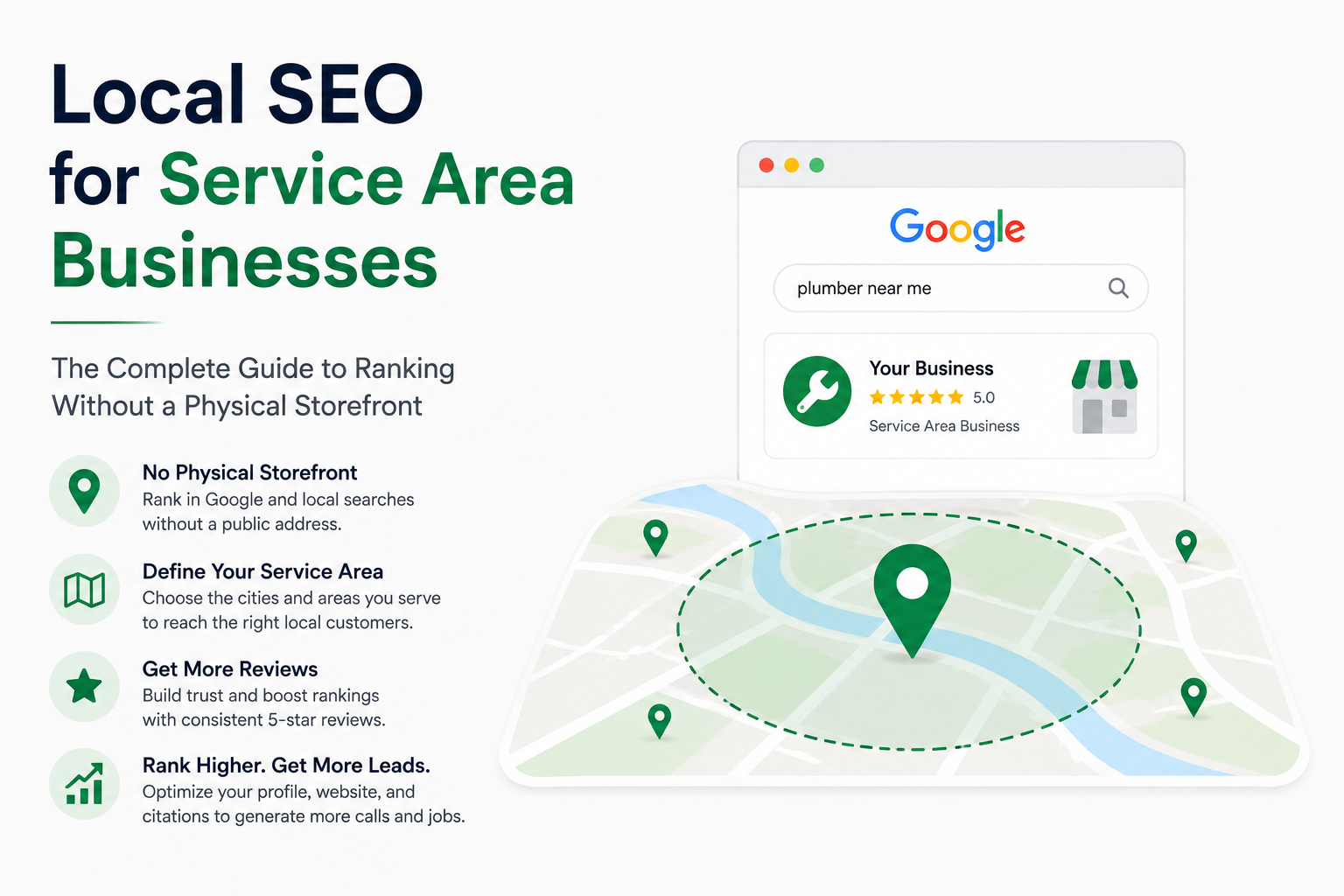
If your business travels to customers rather than operating from a storefront customers visit, configuring your service areas precisely matters enormously. Rather than relying on a single address pin, define exactly which cities or neighborhoods you actually serve.
Getting this wrong is one of the most common reasons a genuinely strong business fails to show up across its full coverage area — either because the configured area is too narrow and misses real customers, or too broad and dilutes relevance for the searches that matter most.
Step 10: Manage Google Business Profile Q&A
The Q&A section lets anyone — including competitors — post questions publicly, and left unmonitored, inaccurate answers can sit there indefinitely. Proactively seeding accurate answers to the questions your customers actually ask, and monitoring the section regularly, prevents this small, often-overlooked area from quietly undermining trust.
This is a low-effort, high-value part of ongoing profile management that most competitors neglect entirely, which makes it a relatively easy area to stand out in.
Step 11: Keep NAP Information Consistent
NAP — Name, Address, Phone Number — needs to match exactly across your website, your Google Business Profile, and every other place your business is listed online. Even small formatting inconsistencies (a suite number here, an abbreviation there) create doubt in Google's trust signals and can quietly suppress your visibility.
This is foundational to every other step in this guide — no amount of reviews, photos, or posting activity fully compensates for a business whose basic information is inconsistent across the web.
Step 12: Build Local Citations
Citations are mentions of your business's NAP information on directories like Yelp, Bing Places, and industry-specific listings. Building accurate, consistent citations across relevant, authoritative directories reinforces the same trust signals your GBP relies on, and cleaning up existing inconsistent or duplicate citations removes friction that can hold back an otherwise well-optimized profile.
Citation building works alongside your Google Business Profile rather than replacing it — the two reinforce each other, and neglecting one limits how much the other can achieve.
Step 13: Track Google Maps Rankings and GBP Performance
Optimization without measurement is just guesswork. Your Google Business Profile dashboard provides ongoing insights — views, calls, direction requests, and website clicks — that show whether your changes are actually working.
Tracking your Google Maps SEO performance over time also helps catch problems early: a sudden drop in visibility, a slipping ranking, or a competitor who's started outpacing you can all be caught and addressed before they cost significant business, rather than discovered months later.
Common Google Business Profile Optimization Mistakes
Even businesses actively trying to optimize their profile make avoidable mistakes:
- Choosing an overly generic primary category instead of the most precise match available
- Leaving the services section sparse or incomplete
- Letting NAP information drift out of sync across the website, GBP, and citations
- Ignoring the Q&A section and letting inaccurate answers stand
- Posting once at setup and never returning to Google Posts again
- Treating verification as the finish line rather than the starting point
- Never checking performance insights, so declining visibility goes unnoticed until it's already cost real business
Avoiding these alone puts a business ahead of a meaningful share of local competitors making one or more of them without realizing it.
How Long Does Google Business Profile SEO Take?
Most businesses start seeing measurable improvement in profile views, calls, and Map Pack visibility within 30 to 60 days of consistent optimization. Highly competitive markets, or profiles starting from a very incomplete state, may take slightly longer to reach full potential — often 60 to 90 days for meaningful ranking movement, and up to 4 to 6 months for full competitive dominance in dense, high-competition markets.
Unlike paid ads, the results from Google Business Profile optimization services tend to compound rather than disappear once the active work slows down — though ongoing maintenance is still necessary to protect and build on those gains, since competitors are continuing to optimize their own listings in the meantime.
Conclusion
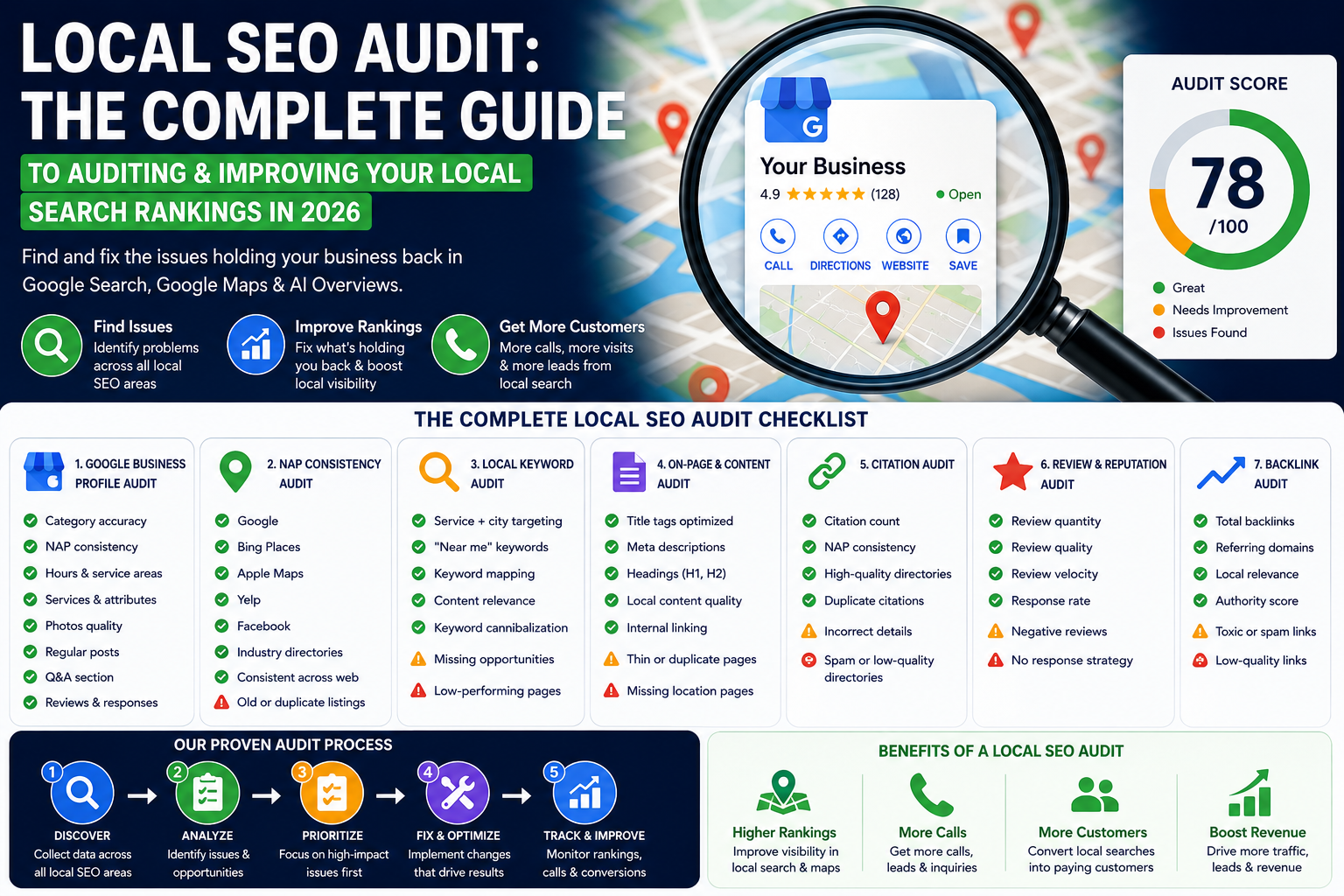
Google Business Profile optimization in 2026 touches far more than a single settings page — it spans your categories, your business information, your services, your photos, your reviews, your posts, and your ongoing performance tracking. Businesses that treat this as a one-time setup task consistently lose visibility to competitors who treat it as an ongoing discipline.
If you're ready to see exactly where your profile currently stands and what's holding back your Google Maps ranking, a free audit is the natural starting point — it shows your current performance, your competitors' strengths, and the specific gaps worth fixing first.